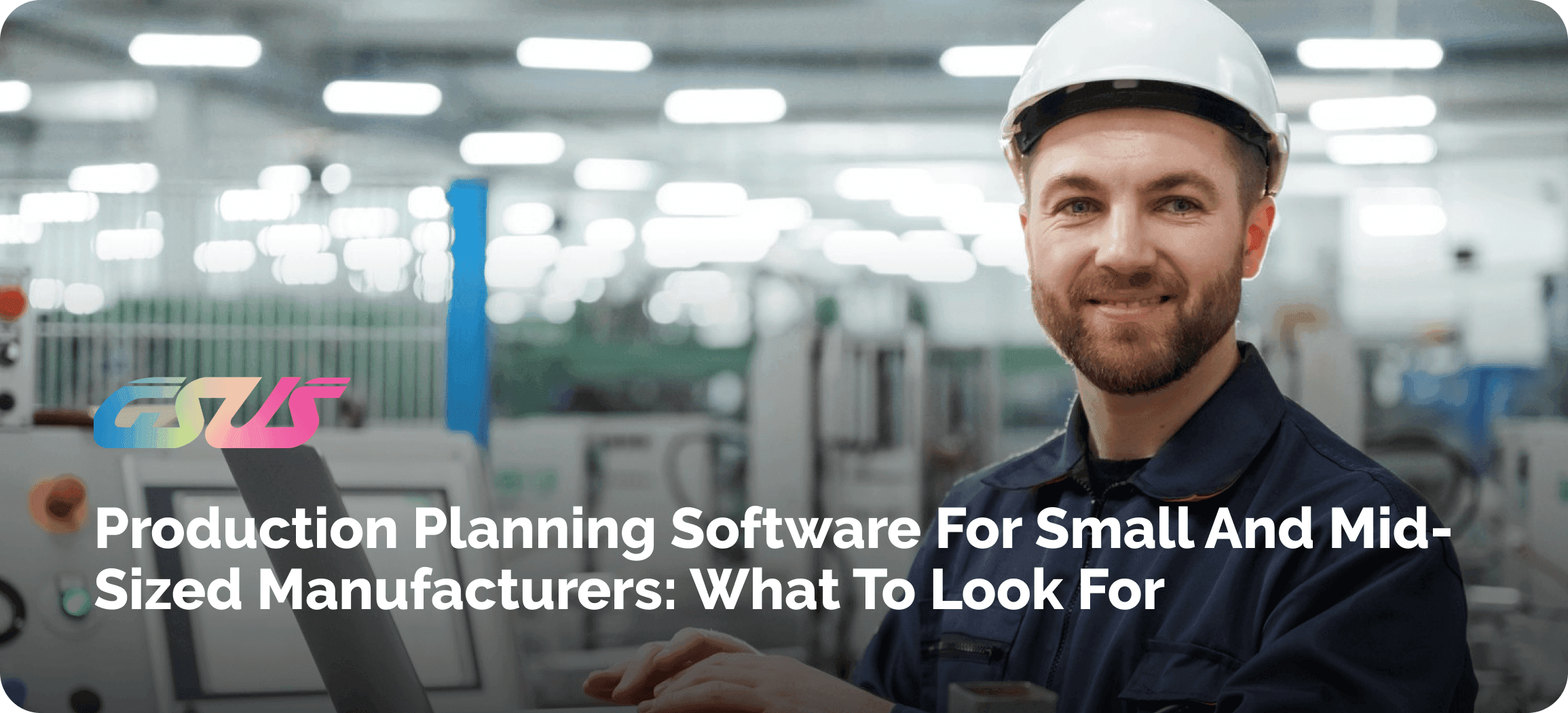
If you run a manufacturing business, you already know the feeling: an order changes at the last minute, a material shipment is late, and suddenly the whole week's schedule is out the window.
In the early days, a spreadsheet and a few phone calls can hold things together. But as orders pile up and your product mix grows, that same spreadsheet starts working against you instead of for you.
This is where production planning software earns its value. Instead of juggling disconnected files and guesswork, it connects what's happening on your shop floor with what's happening in sales, purchasing, inventory, and finance – so everyone is looking at the same picture.
In this guide, we'll walk through why planning gets harder as you grow, what a good planning system should do, and how an Integrated Platform like Odoo ERP brings it all together for small and mid-sized manufacturers.
Why Small and Mid-Sized Manufacturers Struggle with Production Planning
Most production planning challenges for small manufacturers don't come from one big failure – they come from dozens of small ones stacking up. Customer orders change after you've already committed materials.
A key raw material runs short, and nobody notices until the work order is due on the shop floor. Machines and labour have limits, and when two jobs need the same work centre at the same time, something must be given.
Add in unplanned downtime, production bottlenecks that shift from week to week, and poor visibility into where each work order stands, and it's easy to see why manual production planning problems pile up quietly until delivery dates start slipping.
None of this is a people's problem. It's a systems problem - and it's exactly what manufacturing production planning challenges look like when the tools haven't kept up with the business.
When Should a Manufacturing Business Invest in Production Planning Software?
There isn't one single trigger, but there are clear signs you need a proper planning system in place. If your production is still planned in Excel, if your team relies on phone calls and WhatsApp to confirm what's happening on the floor, or if material availability is always a bit of a mystery until someone physically checks the warehouse - those are signals.
So is a schedule that changes constantly, orders that slip past their promised dates, and managers who can't see real-time production status without chasing someone down.
If your production and inventory teams are working off different spreadsheets with different numbers, that disconnect alone is reason enough to look at Manufacturing Planning Software built for growing businesses.
What Is Production Planning Software and How Does It Help Manufacturers?
At its core, this kind of platform connects the dots between what customers want and what your factory can deliver: Sales Orders → Demand → Materials → BOM → Capacity → Work Orders → Production → Delivery.
Instead of each step living in its own file, the system links them. A confirmed sales order automatically checks material availability against the bill of materials, triggers material requirements planning, and schedules work orders based on real capacity planning - not a rough guess.
This is the backbone of manufacturing resource planning, and it's what separates modern production scheduling software from a static calendar on someone's desk. Shop floor management becomes something you can actually see, not something you have to ask about.
10 Features to Look for in Production Planning Software
Not all tools are built the same. Here's what genuinely matters when you're evaluating manufacturing planning software.
1. Demand-Based Production Planning
Good demand planning software for manufacturing looks at actual and forecasted sales orders and works backward to figure out what needs to be produced and when - so you're not manufacturing on a hunch.
2. Production Scheduling and Work Order Management
Strong production scheduling software turns manufacturing orders into a realistic timeline based on available capacity, not just a due date pulled out of thin air.
3. Bill of Materials (BOM) Management
Look for solid BOM management software that supports multi-level BOMs - because most real products are assemblies of assemblies, not a single flat list of parts.
4. Material Requirements Planning (MRP)
MRP software for small manufacturers should automatically flag shortages and suggest purchasing or production orders before a shortage becomes a shop-floor emergency.
5. Capacity Planning and Work Center Management
Manufacturing capacity planning software needs to know what each work center can realistically handle, so it stops double-booking machines and people.
6. Inventory and Material Availability
Production planning and inventory management software should show livestock levels tied directly to what's scheduled, not a count from last week's cycle count.
7. Real-Time Shop Floor Visibility
Real-time production monitoring software gives managers an honest, live view of where every work order stands - no walking on the floor required.
8. Production Cost Tracking
Manufacturing cost tracking software should tie labor, materials, and overhead back to each manufacturing order, so you know your true cost per unit.
9. Quality and Maintenance Integration
Manufacturing quality management software and maintenance tracking shouldn't sit outside your planning system - a failed quality check or a machine breakdown needs to update the schedule automatically.
10. Reporting and Production Analytics
Manufacturing production analytics software should turn all this activity into reports that help you make decisions - on-time delivery rates, utilization, bottlenecks - without needing a spreadsheet wizard on staff.
How Odoo ERP Simplifies Production Planning for Growing Manufacturers
This is exactly the gap Odoo was built to close. Rather than treating manufacturing as its own island, Odoo connects Manufacturing, Inventory, Purchase, Sales, Quality, Maintenance, and Accounting inside one system.
That matters because production planning shouldn't operate as a standalone system. When a sales order comes in, Odoo manufacturing ERP checks stock, triggers purchasing if needed, and schedules the manufacturing order - all without someone manually re-entering data three times across three tools.
How Odoo MRP Handles Production Scheduling and Capacity Planning
Inside Odoo, everything runs through Manufacturing Orders, which break down into Work Orders tied to specific Work Centers.
Each work center has its own defined capacity, operations, and routing, so Odoo MRP production scheduling plans for jobs around what your equipment and people can handle - not an idealized version of your factory.
This is where Odoo capacity planning really shows its value: instead of overloading one machine while another sits idle, the system helps balance the load and gives you a realistic, achievable schedule.
How Production Planning Software Connects Inventory, Purchasing, and Manufacturing
The real power shows up in the full flow: Customer Order → Material Requirement → Purchase/Inventory → Production → Quality → Finished Goods → Delivery.
When you're planning tools to talk directly to inventory, a shortage triggers an automatic purchase suggestion instead of a surprise on the shop floor.
This kind of integrated manufacturing inventory software removes the manual checking and cross-referencing that eats up hours every week - and it's a core strength of how Odoo ERP is structured.
Production Planning Software vs Excel: What Changes Your Business Grows?
Excel isn't a bad tool - it's just the wrong tool once volume and complexity increase. Manual scheduling depends on someone remembering to update a file; automated planning updates itself as orders and materials change.
Static spreadsheets show a snapshot; real-time data shows what's actually happening right now.
Separate files create version confusion; connected ERP data gives everyone the same numbers.
And when reporting is scattered across five workbooks, centralized analytics is simply faster and more reliable. The comparison usually isn't close once a business passes a certain size.
How Much Does Production Planning Software Cost for a Small Manufacturing Business?
Cost depends on a few real variables: number of users, which modules you actually need (manufacturing, inventory, purchasing, quality, maintenance), how much customization your process requires, implementation effort, integrations with existing tools, data migration, and training and support.
Rather than shopping purely on license price, it's worth thinking about total cost of ownership - a cheaper tool that needs constant manual workarounds often costs more in staff time than a well-implemented system with a higher sticker price.
How to Calculate the ROI of Production Planning Software
The return shows up in concrete numbers: fewer production delays, less material waste, better machine utilization, less manual data entry, lower inventory carrying costs, improved on-time delivery, and faster scheduling turnaround.
Even modest improvements in these areas - say, a 10% drop in late deliveries or a few hours saved per week on manual scheduling - add up quickly across a full year of production.
How to Choose the Right Production Planning Software for Your Manufacturing Business
Before committing, run through a practical checklist:
- Does it support your actual manufacturing process, not a generic one?
- Can it handle multi-level BOMs?
- Does it support real capacity planning?
- Can it connect inventory and purchase automatically?
- Does it give real-time production visibility?
- Can it scale as your business grows?
- Does it integrate with accounting and sales?
- What implementation support is available, and what will you need to customize?
Answering these honestly will narrow the field faster than any feature comparison chart.
It also helps to talk through this checklist with someone who implements these systems day to day. We're GSUS, a silver partner with Odoo, and these questions come up in nearly every conversation we have with manufacturers.
Why an Integrated ERP Is Better Than Standalone Production Planning Software
A standalone scheduling tool might look good in a demo, but manufacturing planning software rarely works in isolation. It needs live data from sales, inventory, purchasing, quality, maintenance, and accounting to be accurate.
That's the case for an Integrated ERP for Manufacturing: one source of truth instead of five disconnected tools that all need manual syncing.
It's also why more growing manufacturers end up moving toward end-to-end manufacturing software rather than stitching together point solutions - and it's where Odoo ERP fits naturally.
Is Odoo ERP a Good Fit for Small and Mid-Sized Manufacturers?
For a lot of small and mid-sized manufacturers, yes - and the reasons are practical. Odoo ERP for Small Manufacturing Businesses is modular, so you can start with manufacturing and inventory and add purchasing, quality, or maintenance later as you grow.
It scales without forcing a full system replacement, supports custom workflows for specific production processes, and includes built-in reporting and integrations.
That said, results depend heavily on implementation quality, how well workflows are configured to your actual process, and the support you get afterward - which is exactly where an experienced Odoo partner makes a real difference.
Common Mistakes to Avoid When Choosing Production Planning Software
A few patterns show up again and again: choosing based on price alone, ignoring scalability until it's too late, buying standalone software that doesn't talk to anything else, underestimating implementation time, not checking integration capabilities upfront, ignoring how your team will actually adopt the tool, over-customizing from day one before you understand your real needs, and not setting measurable business goals before you start.
Avoiding even two or three of these mistakes can be the difference between a smooth rollout and a system nobody trusts a year later.
Build a More Predictable Production Process with Odoo ERP
Better planning leads to better material availability. Better material availability leads to fewer delays. Fewer delays mean better machine and labor utilization - and that adds to a system that helps you hit delivery dates consistently, instead of hoping for the best each week.
If you're ready to see how production planning can work across your entire manufacturing operation - sales, inventory, purchasing, and the shop floor, all connected - talk to the GSUS team for an Odoo Manufacturing assessment.