A busy meat shop never really has a quiet hour. Fresh stock arrives early, walk-in customers queue at the counter, the phone keeps ringing with orders, and delivery riders wait for packed bags.
A notebook, a calculator, and a few WhatsApp chats can carry you for a while, but not forever. Stock numbers stop matching; bills slow down at peak time, and somebody's order gets missed.
This is where meat shop management software earns its place. It ties inventory, billing, online orders and deliveries into one system, so you spend less time chasing records and more time serving customers. Here's the day-to-day problems meat retailers are facing, how online tools can help, and what to look for before you purchase.
Common Operational Challenges Faced by Meat Shop Owners
Meat business operations come with headaches that other retailers don't have, mostly because the product is fresh and time sensitive.
Difficulty Managing Fresh Meat Inventory and Stock Availability
Stock changes all day. Chicken arrives in the morning, sells quickly by noon, and some of them are set aside for orders. If your record says 12 kg but the cold room holds 9, you either disappoint a customer or sell what you don't have. Knowing availability before you accept an order is half the battle.
Billing Delays During Peak Business Hours
Weighing, working out prices by hand, writing the bill and handling cash, UPI or card payments all at once makes queues long. Manual math also invites small mistakes, and those add up in your daily billing records.
Managing Online and Offline Customer Orders
Orders come by phone, at the counter, and online. Without one shared list, duplicate and missed orders creep in, and finding an old order means flipping through pages.
Delivery Coordination and Order Tracking Problems
Who is carrying which order? When will it arrive? Often the customer calls the shop, and the shop then calls the rider. Delays quickly turn into complaints.
Limited Visibility into Daily Sales and Business Performance
When online and counter sales live in different places, it's hard to tell which products sell best, how payments are split, or how deliveries are performing. Without sales analytics, decisions become guesswork.
How Meat Shop Management Software Improves Inventory Management
The foundation of any good meat inventory management software is one live view of your stock.
Real-Time Inventory Tracking for Better Stock Visibility
Every sale, whether made over the counter or online, automatically updates the stock figure. You can see what is on offer without having to go to the cold room and manual stock checks become occasional verification instead of constant chores.
Managing Product Categories, Pricing, and Availability
Group products into categories like chicken, mutton and fish, set prices from one place and turn off items when they are sold out. This keeps your stock management consistent as customers and staff see the same information.
Reducing Inventory Mismatches Between Online and Offline Sales
Imagine a customer orders 2kg chicken online and a minute later someone at the shop buys the last of it. If the two channels don't talk to each other, you now have an order you can't fulfil.
With synchronised inventory, counter sale reduces the online stock instantly, so customers can only order what you have. That's the real value of centralised inventory tracking.
How Digital Billing and POS Software Simplify Meat Shop Transactions
Meat shop billing software and meat shop POS software take pressure off the counter, especially when the queue is long.
Faster Billing for Walk-In Customers
Staff pick the item, enter the weight, and the system calculates the total and generates the invoice. Fewer repeated calculations mean shorter queues and a better checkout experience.
Managing Cash, UPI, and Card Payments
Every payment method is recorded against the sale. End-of-day reconciliation becomes far easier than matching slips against a cash drawer.
Automatic Invoice and Token Generation
Digital billing produces the invoice and an order token together. The token helps the preparation team identify and pack the right order, and you stop maintaining paper registers.
Tracking Daily Sales and Billing Records
Transaction history is stored in order, so reviewing the day's sales or comparing one week with another takes minutes. Organised records also make accounting and audits less stressful.
How Order Management Software Improves Meat Ordering and Fulfilment
Meat order management software pulls every order, from any channel, into a single flow.
Managing Customer Orders From Multiple Channels
Walk-in and online orders sit in one place. Staff can see what's pending, and duplicate or missed orders become rare.
Simplifying Online Ordering and Checkout
A good online meat ordering system lets customers register with an OTP, browse by category, add items to a cart, pay online and reorder from their history. Repeat customers value that last part the most.
Improving Order Preparation and Processing
Before packing starts, the system checks payment and stock. Staff then pack against a token and update progress, so everyone knows where each order stands during order processing.
Keeping Customers Updated with Order Notifications
Push notifications confirm the order and share status updates through delivery. Customers who stay informed call the shop less often.
How Meat Delivery Management Software Improves Delivery Operations
Meat delivery management software gives the last mile some structure.
Assigning Orders to Delivery Personnel
Orders are assigned to specific agents, and each agent sees their own dashboard. They organize the dispatch instead of shouting it across the shop.
GPS-Based Navigation and Delivery Tracking
Google Maps navigation allows agents to get to addresses faster and the shop can monitor progress of pickups and deliveries. That makes delivery coordination far more transparent.
Managing Delivery Status and Customer Communication
Agents confirm pickup, update delivery status, and can call the customer when needed. Delivery history stays saved for future reference.
Important Features to Consider When Choosing Meat Shop Management Software
If you're comparing options, treat this as a checklist, and ask how each item helps your busiest Saturday morning.
- Customer ordering application lets customers order without calling, which frees up your phone line.
- Meat inventory management: stops you from selling what you don't have. POS billing and invoice generation – keeps the counter moving.
- Many ways to pay: your customers pay how they want, you reconcile easily.
- Online order management: one list, not three.
- Delivery agent application: provides riders with clear tasks, not verbal instructions.
- GPS delivery tracking cuts down on the "where is my order?" calls.
- real time data syncing – all modules show the same numbers.
- Sales and Payment Analytics: Shows what sells, when and how customers pay.
- Customer and employee management – controls who can see and do what.
How MEAT App Helps Meat Businesses Manage Their Daily Operations
GSUS, an Odoo Silver Partner implementation company, offers MEAT App to bring these pieces together. It's built around four connected modules, and it works as meat shop management software for retailers who sell both at the counter and online.
Customer App for Online Meat Ordering
- OTP-based registration
- Category-based browsing
- Real-time inventory synchronization
- Smart cart and checkout
- Razorpay payment integration
- Live order tracking and reorder history
Delivery App for Order Fulfilment
- OTP-secured login
- Assigned order dashboard
- Google Maps navigation
- Pickup and delivery status updates
- Delivery history tracking
Shop Staff POS for Billing and Sales
- Staff login
- Walk-in billing
- Automatic token generation
- Cash, UPI and card payments
- Invoice generation
- Daily sales tracking
Admin Dashboard for Business Management
- Product and pricing management
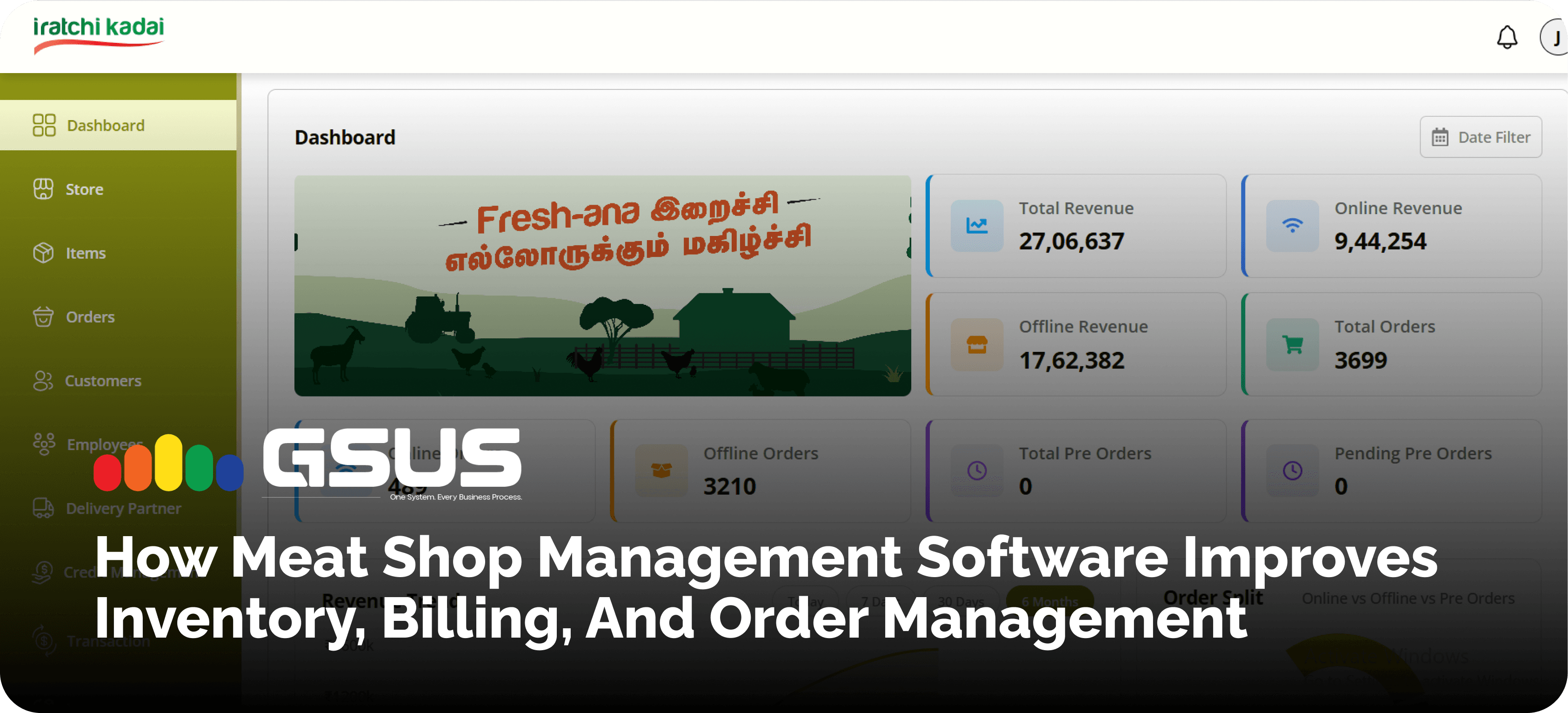
- Inventory monitoring
- Delivery assignment
- Order tracking dashboard
- Sales and analytics reports
- User and staff management
Real-Time Synchronization Across Business Operations
The four modules share the same data. When a customer places an order, the stock is verified and updated, the shop sees the order, and the admin assigns a delivery agent. Here's the full journey:
Customer places an order (Customer App) → Payment and stock verification (Inventory and Order Management) → Order packing and preparation (Shop Staff POS) → Delivery agent assignment (Delivery App) → Successful doorstep delivery → Order completion
Looking to Improve Your Meat Business Operations?
If online ordering, billing, inventory and delivery still run separately in your business, MEAT App can connect with them. It supports meat retailers and growing meat businesses that want fewer errors and clearer reporting. See it working on your own use case: Book a MEAT App Demo.
How to Choose the Right Digital Solution for Your Meat Business
Before you commit, think through these points:
- Business size and requirements: a single counter needs less than a multi-outlet operation.
- Stores and deliveries: check that the system handles every location and your delivery volume.
- Customer ordering needs: Determine if you require your own ordering app.
- Inventory and billing should work together, not be two separate tools.
- Ease of use: It should be easy for your shop staff and delivery agents to pick it up.
- Reporting: you want clear reports on sales, payments and deliveries.
- Support and scalability: Ask who will help you when something breaks, and whether the system will scale as you grow.
A live demo is the best test. Ask the vendor to run through a real order, from checkout to delivery.
Frequently Asked Questions About Meat Shop Management Software
What is meat shop management software?
It's a digital system that handles stock, billing, customer orders, deliveries and reports for a meat business, replacing paper records and disconnected apps.
How can I manage meat shop inventory digitally?
Use meat inventory management software that updates stock after every sale and shows availability across channels. This removes most manual counting.
Which software is suitable for meat shop billing and POS management?
Look for meat shop billing software with POS features: quick invoicing, token generation and support for cash, UPI and card payments.
Can meat shop software manage online and offline orders?
Yes. A connected system keeps counter, phone and app orders in one list, which prevents duplicates and missed orders.
How can I track meat delivery orders in real time?
Meat delivery management software lets you assign orders to agents and follow pickup and delivery status, with GPS navigation for the rider.
How does inventory synchronization work in a meat shop?
Every sale, online or offline, updates one shared stock record, so the app never shows items you've already sold.
Can I manage customer orders and delivery staff through a mobile app?
Yes. Customers order through an app, and delivery agents use their own app to receive assignments and update status.
What features should I look for in meat business management software?
Inventory tracking, POS billing, multiple payment options, online order management, delivery tracking, analytics, and staff controls.
Improve Your Meat Business Operations with MEAT App
Accurate inventory, quick billing and organised orders are what keeps a meat shop running smoothly. As customers get used to ordering online, digital tools are becoming a practical need for modern meat retail, not a luxury.
GSUS MEAT App helps you manage customer orders, shop billing, inventory, deliveries, and business reports from one connected system. If you'd like to see how it fits your shop, book a MEAT App demo and our team will walk you through it.